


Share


Elevate Your Streaming with the Wave:3 MK.2: Perfect for Chat and Games

When many people first start streaming, the main issue they face is “sound”.
- Your voice is too quiet or, conversely, too loud and distorted
- The balance between game audio and voice is off
- Trying to adjust the balance makes the settings suddenly difficult
To tackle such “sound issues”, adjusting through audio mixers or apps like OBS is one solution, but there is actually a simpler way to improve it.
That is by tackling it at the hardware level — right at the point where audio enters the microphone.
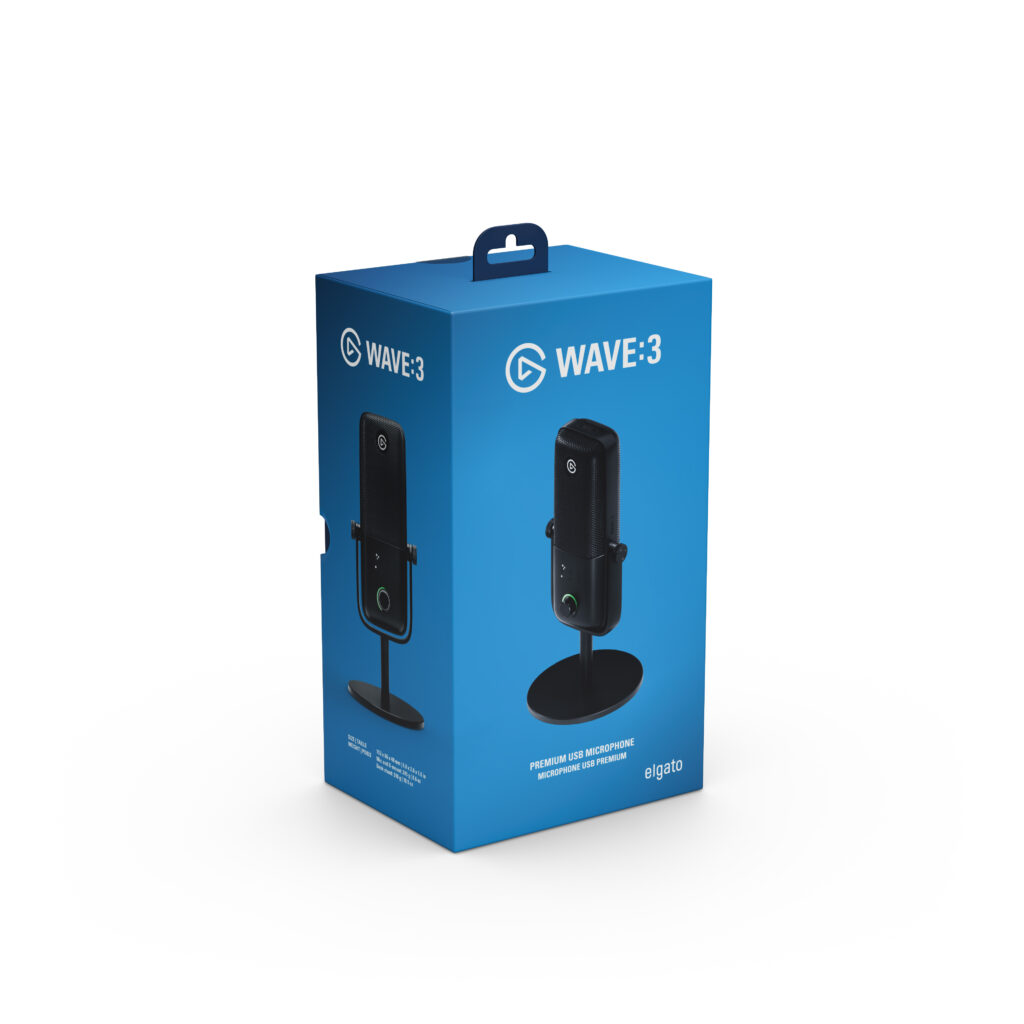
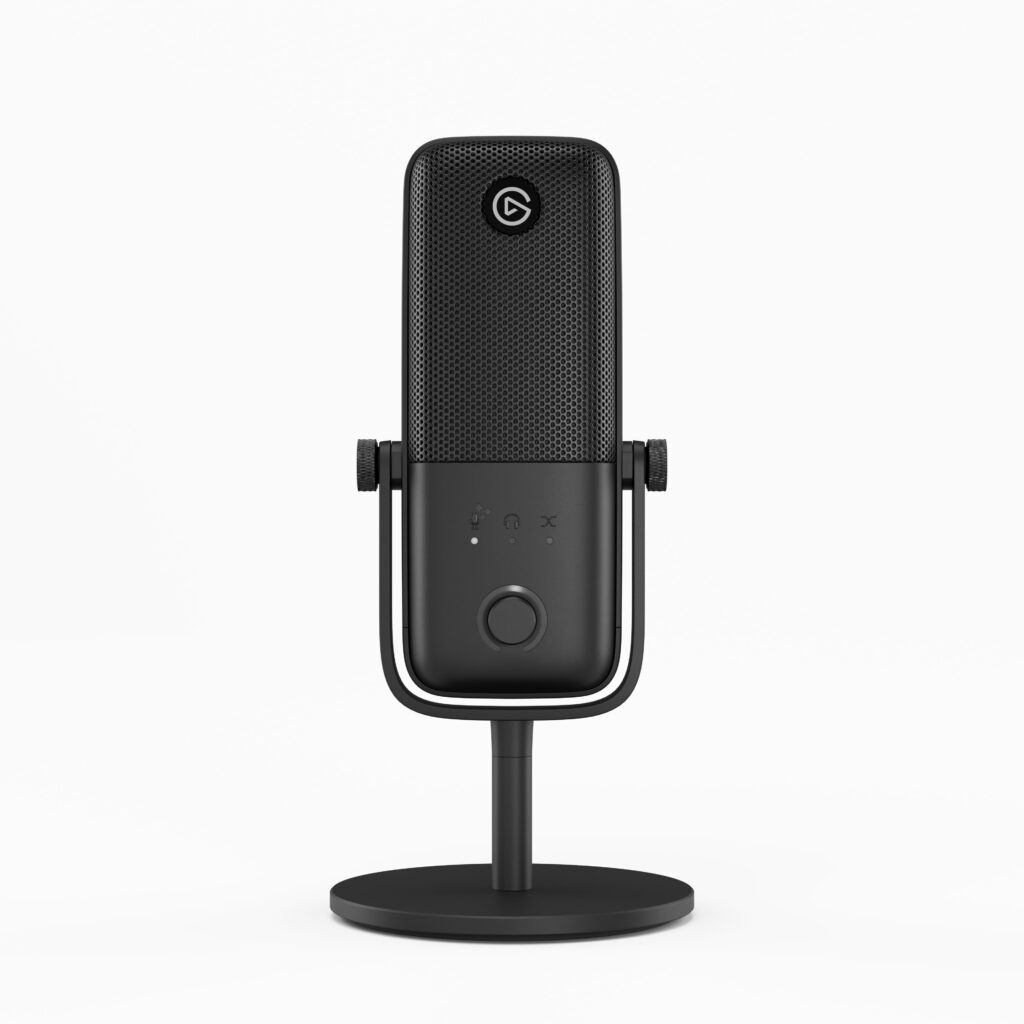
Making this possible is Elgato’s new USB microphone, the Wave:3 MK.2.
With the MK.2, a Wave FX Processor (co-developed with LEWITT Audio) has been built into the microphone itself, allowing it to handle some of the audio processing that was previously left to the PC (software) directly on the microphone.
In this article, we’ll share how the Wave:3 MK.2 can change your streaming setup from the perspective of actual use.
For a detailed behavior and verification of the Wave FX Processor (DSP, Clipguard 2.0, Auto Gain, etc.), please check out the separate article.
>>Easy Streaming Audio Setup with Wave XLR MK.2, XLR Dock MK.2, and Stream Deck + XL

First, how is the “sound quality”?
The most concerning aspect in a microphone review is obviously this.
Let’s go through the common questions one by one.
Is the sound quality better compared to other microphones?
For streaming purposes, it offers more than enough performance. we tried it for lengthy talk-focused content, and didn’t notice any discomfort, and there should be almost no dissatisfaction when it comes to game commentary or chatting streams.
we often hear the question, “How is it different from so-called high-quality microphones?”, and I answer it this way.
It’s like the difference between automatic and manual.
In a manual car, you can control the gears yourself, offering fine control. But it’s challenging until you get used to it, and it’s hard to focus on the actual driving. In automatic, the car does that for you, so you can start driving relatively quickly.
Microphones are the same.
So-called “high-quality microphones” capture the voice directly, along with ambient noise and room echo, so you need to handle noise cancellation and volume manually.
Wave:3 MK.2’s chip performs that processing automatically, so you can stream with stable sound from the day you buy it. Though it reduces the freedom of adjustment, there’s a distinct difference in comfort for those who don’t want to spend time on setup.
Is this for beginners or professionals?
It’s aimed at beginners to intermediate users. However, “for beginners” does not mean low quality. It means the design is specialized for streaming purposes.
If it’s for beginners, can it be used long-term?
As long as it’s used for streaming, there is no issue in continuing to use it. If you reach a point where you want to focus on music production or recording, it’s okay to reconsider switching at that point.
How is it for VTubers and game streamers?
If you’re primarily doing game commentary and chatting streams, you won’t go wrong by choosing this microphone. Elgato is a brand that designs equipment for streamers, so it’s perfect for VTubers and game streamers’ needs.
Why I’m so confident about this is detailed in the final summary.
So, what kind of microphone is it?
The following sections will explore its features and usability in order.
The Wave:3 MK.2 is a microphone that takes the confusion out of audio creation
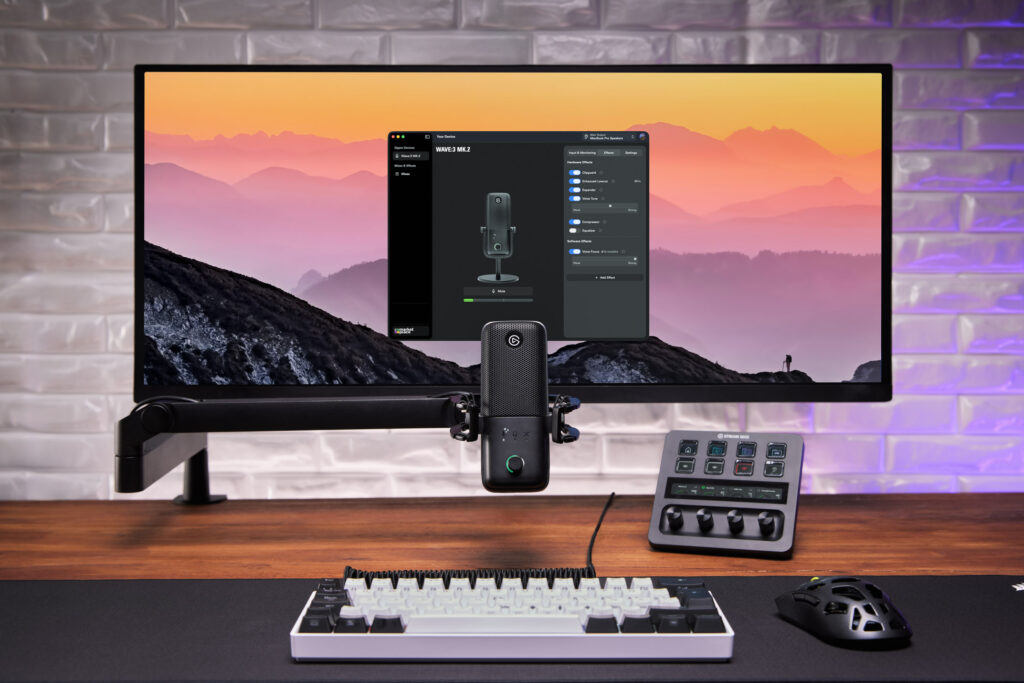
The Wave:3 MK.2 is, in a nutshell, a microphone that keeps gear and settings from getting in your way.
Connect to your PC, install Wave Link, then just speak as usual.
“Buy it, connect it, and start streaming from today”, making the dreams of streaming beginners a reality.
It contains a built-in Wave FX Processor (co-developed with LEWITT Audio).
It allows the microphone itself to handle part of the audio processing that was previously relied on software on the PC, such as noise suppression, prevention of sound distortion, and automatic gain adjustment in real-time. This ensures your voice isn’t overshadowed even in high-load situations on the PC, providing peace of mind during streaming.
The detailed behavior of the DSP and Clipguard 2.0 is summarized in a separate article, so if you’re interested, please check it out.
>>Easy Streaming Audio Setup with Wave XLR MK.2, XLR Dock MK.2, and Stream Deck + XL
Addressing Noise in Noisy Environments with the Wave:3 MK.2
The most noticeable change in real streaming environments with the Wave:3 MK.2 is the evolution in directivity.
- First generation: 17mm capsule/cardioid
- MK.2: 16mm capsule/super-cardioid
(Source: Wave:3 MK.2: A New Era of Digital Audio | Elgato)
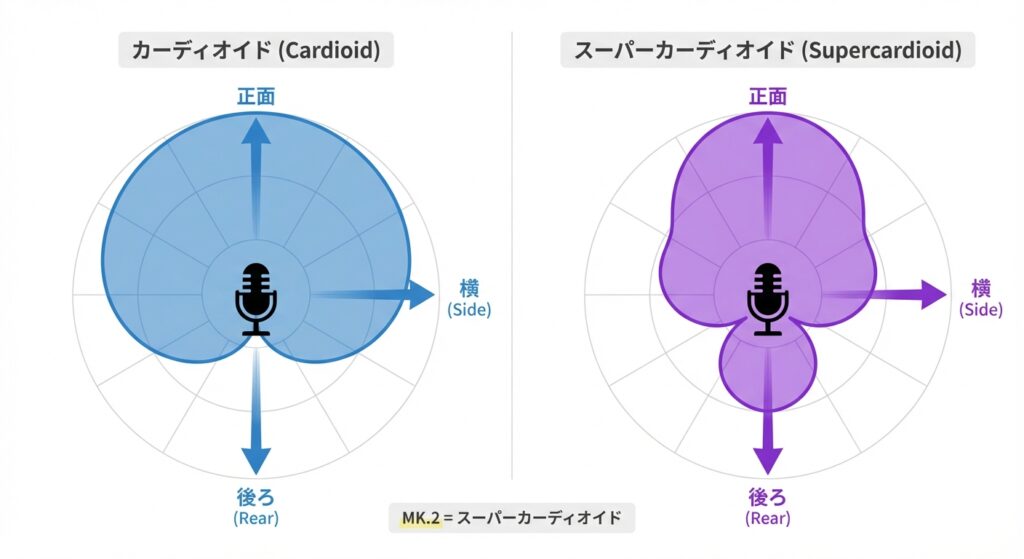
In short, it’s become easier to accurately pick up sounds from the front.
A streaming desk is full of noise. Keyboard keystrokes, mouse clicks, desk vibrations, room echoes… capturing only the “voice” amidst these is harder than imagined. The MK.2 seems to have thoroughly addressed this “noisy environment” issue with its directivity.
Check out the verification video to see the actual difference.
Tips: Maximize Performance with Proper Placement
No matter how great a microphone is, placing it incorrectly can ruin it. The ideal distance is 10-20cm from your mouth. A rough measure is about the distance from your thumb to your pinky when your hand is spread wide (Hawaiian “shaka” gesture).
Placing the microphone over 30cm away for reasons such as “not wanting it to appear on screen” can make you sound distant, increase room echo, or muffle your voice.
Another common mistake is speaking towards the top of the microphone.
You should always speak towards the front (the side with the dial) of the Wave:3 MK.2. Adjusting the direction can significantly change the impression.
A Microphone Arm is Essential Equipment
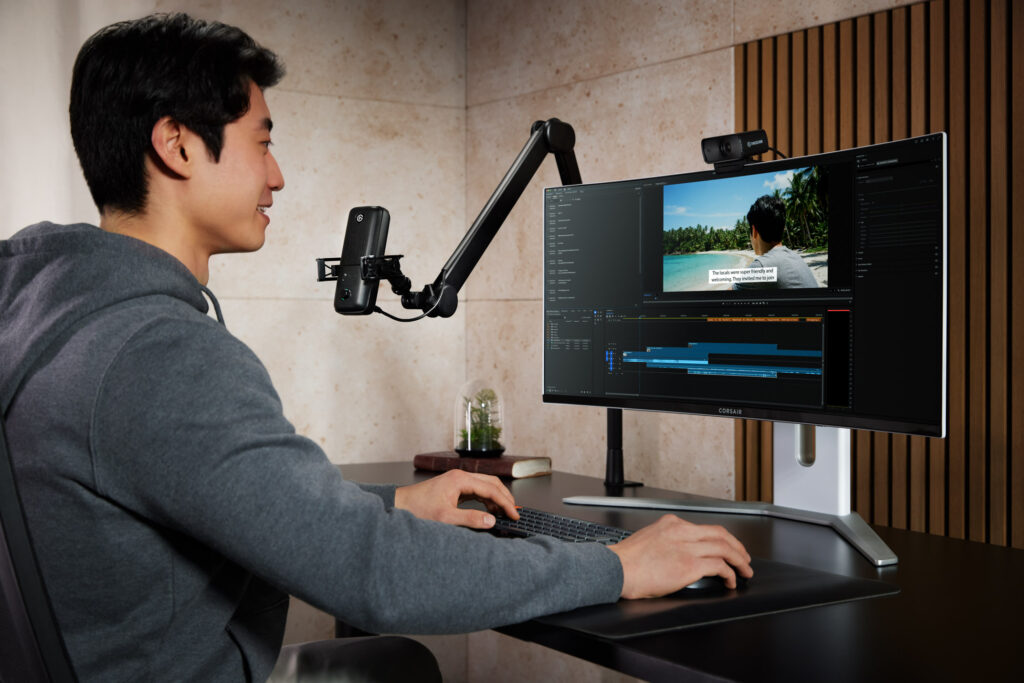
To keep a stable 10-20 cm distance from your mouth, a microphone arm is convenient.
Specifically, it offers the following benefits:
- Reduces picking up vibrations from the desk
- Can be naturally positioned near the mouth
- Can be moved aside when not in use
If you’re particular about sound, it’s worth considering its introduction.
Elgato has four types of stands available, so choose according to your setup and needs.
Wave Link 3.0: Manage Game Sound, BGM, and Calls Together
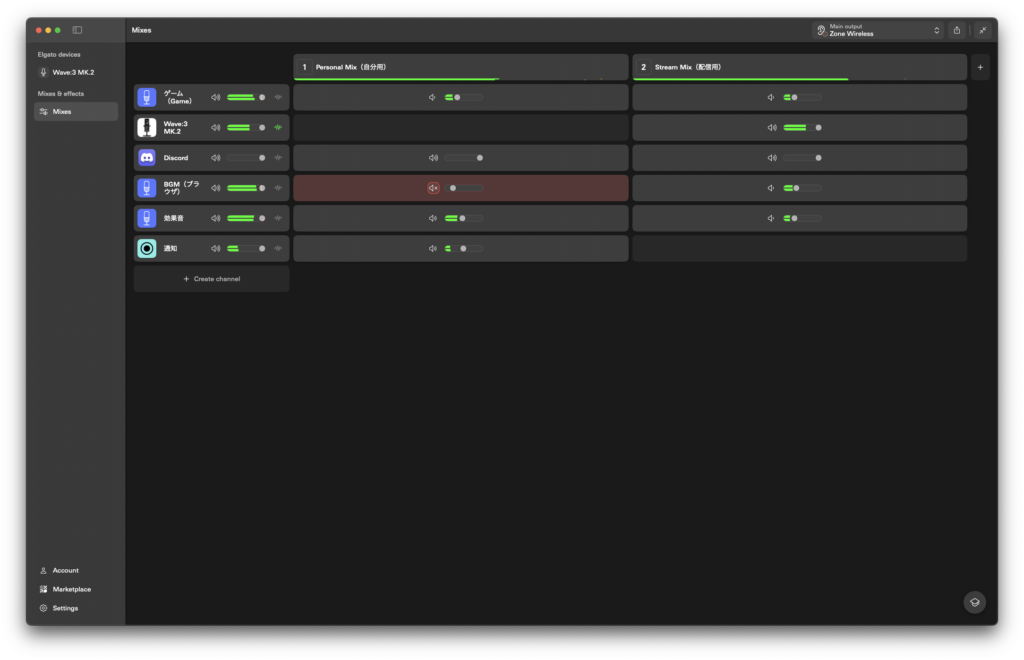
The combination with Wave Link 3.0 is another significant leap in the MK.2 generation.
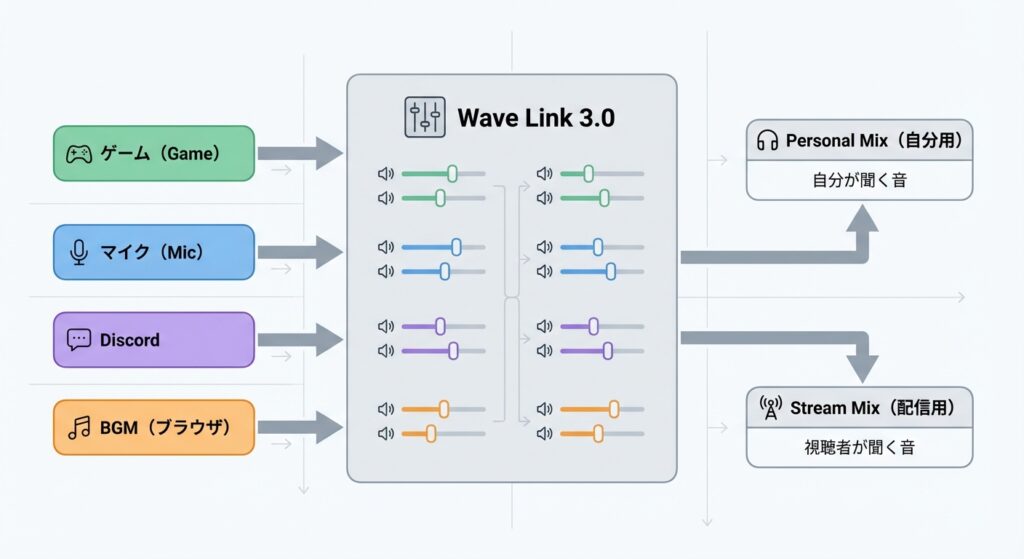
With just one USB microphone, you can manage multiple sources like game sound, BGM, and calls, as well as use up to five output mixes tailored for streaming, Discord, VOD, etc. Managing “the sound you hear” and “the sound you put out in the stream” separately, makes operation much more comfortable.
One of the strengths is the ability to independently adjust the sound you hear and the sound that goes out to stream.
Since you can control the volume heard on headphones and the volume going out to the stream separately, it solves the common struggle of “it’s just right for me, but too loud (or too quiet) for the stream”.
Understand the Microphone State at Hand: LED Ring and Tap Mute
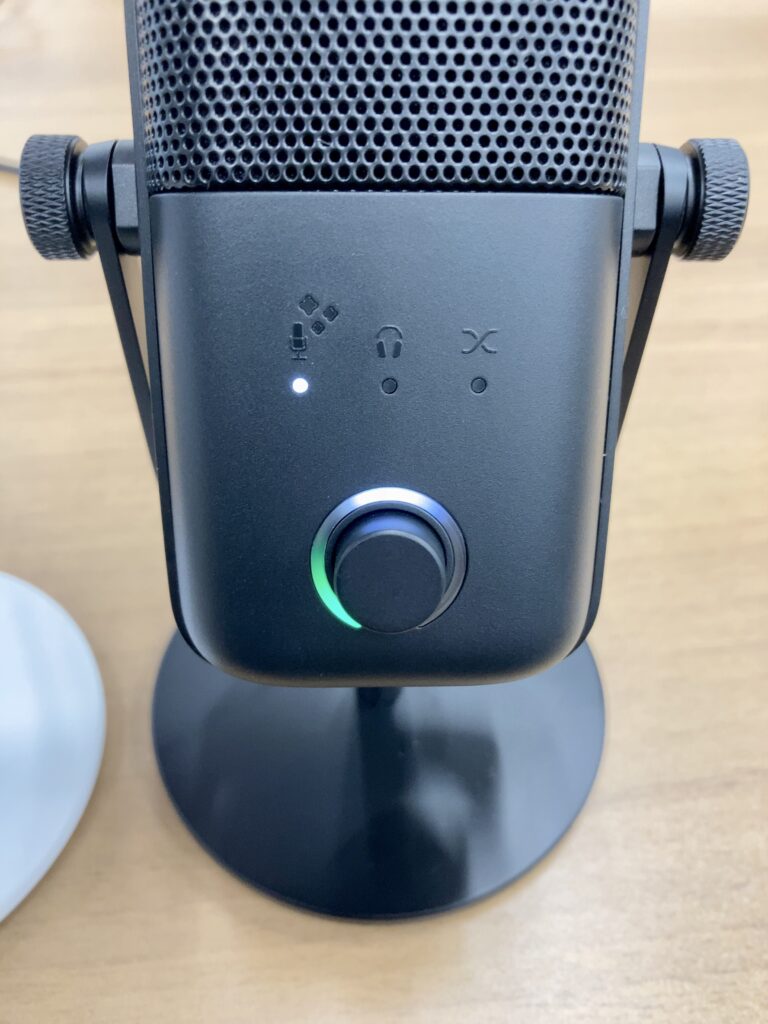
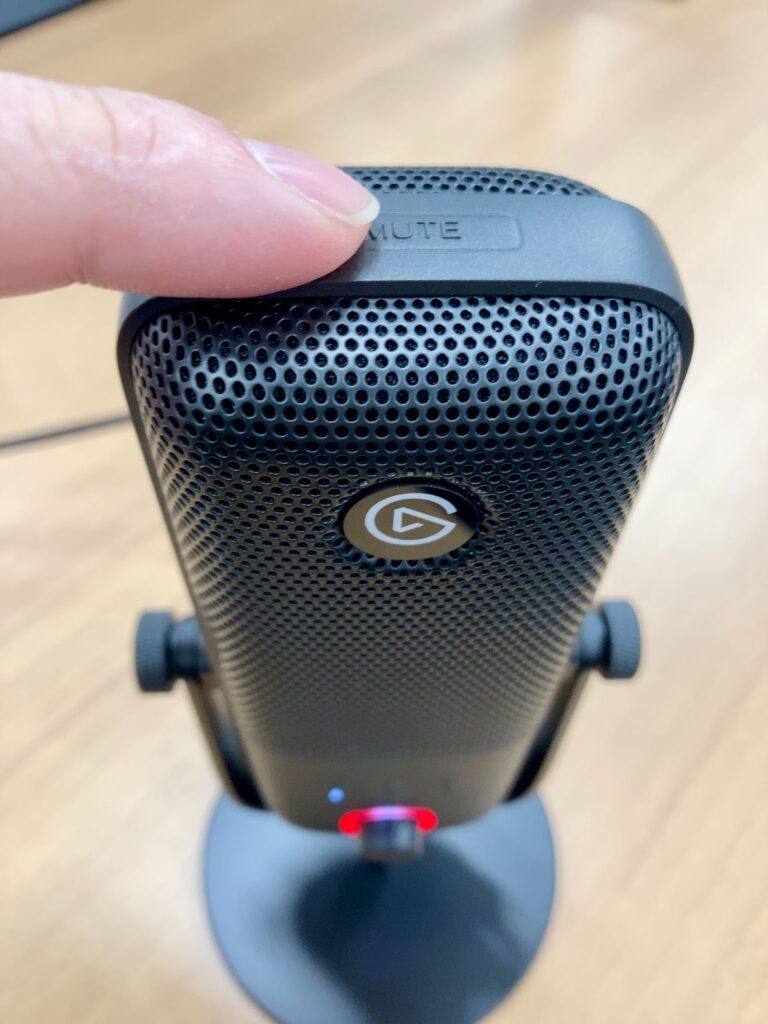
With the MK.2, an LED ring around the dial provides easy recognition of the microphone’s status at your fingertips.
You don’t have much spare time when streaming. Just having one less worry—whether the volume is too high or if it’s muted—can greatly improve the ease of speaking.
Additionally, the tap mute on the microphone’s top is still present.
You can instantly respond to transient accidents like coughing, sneezing, family voices, and intercom.

USB vs XLR: Which to Choose
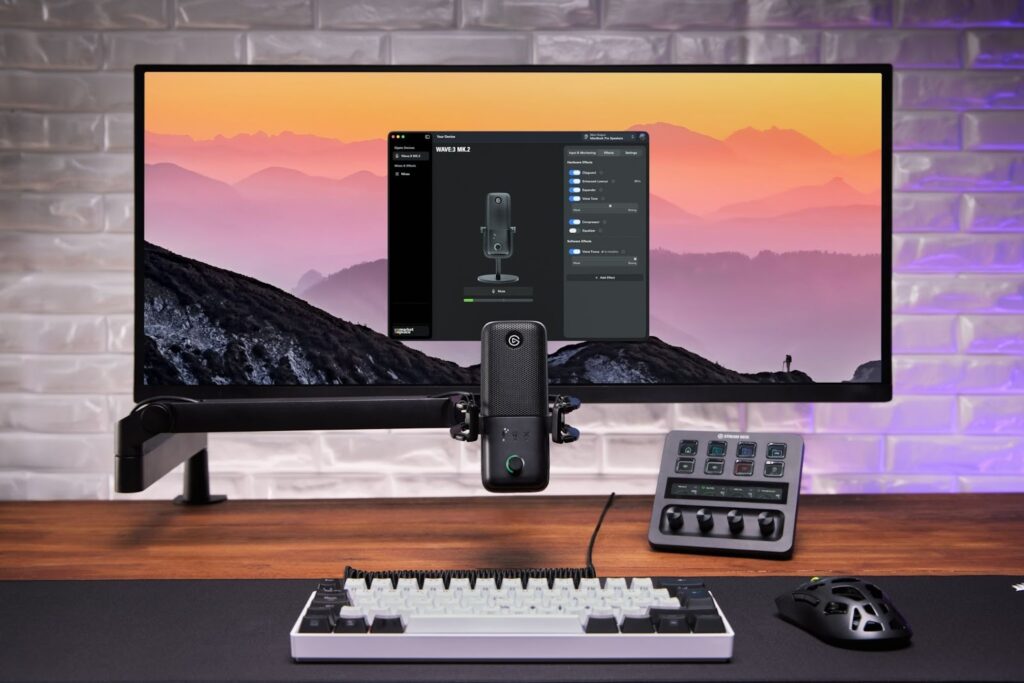
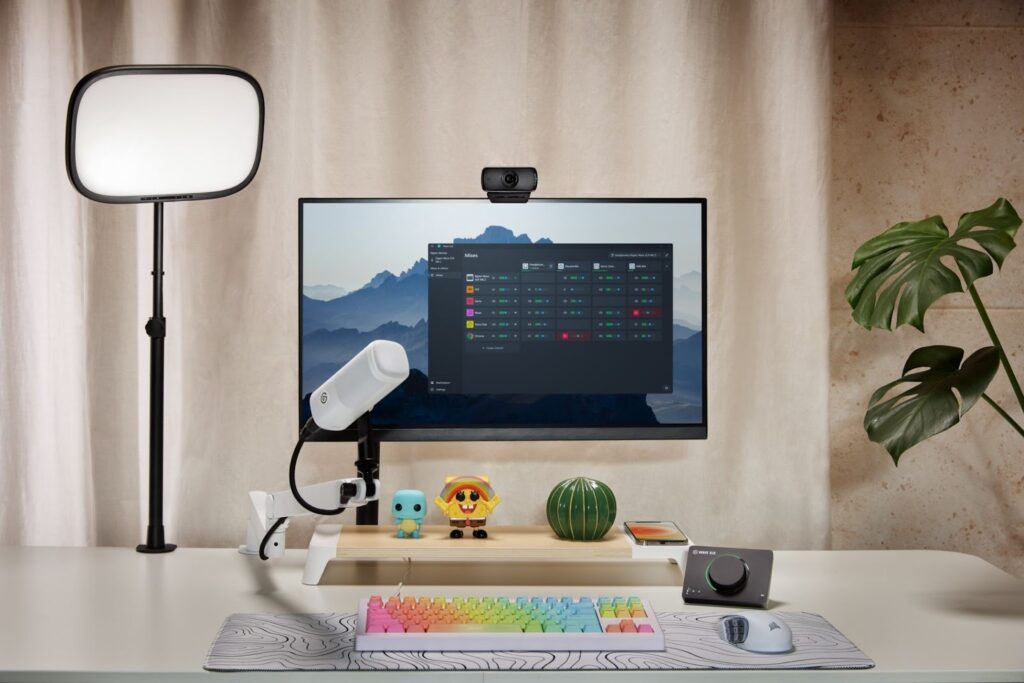
Up until now, we’ve looked at the features of the Wave:3 MK.2, but microphones are broadly divided into two types.
- USB Microphone: Connects directly to the PC with one cable → Wave:3 MK.2 falls here
- XLR Microphone: Connects to the PC via an audio interface
For those wondering “Which should I choose?”, let’s compare it with the XLR microphone, “Wave XLR MK.2”, also released by Elgato.
Comparison Table
| USB (Wave:3 MK.2) | XLR (Wave XLR MK.2) | |
|---|---|---|
| Setup | Ready-to-use out of the box | Takes effort to set up initially |
| Audio Processing | Handled automatically by the microphone | Fine-tunable via interface |
| Cost | Covers costs with one microphone | Requires cost for both microphone and interface |
| Longevity | Can be used long-term if not concerned about expandability | Can keep the same setup if you want to switch microphones |
| Suitable For | Those looking to quickly and cheaply set up a streaming environment | Those wanting to develop their setup, explore music production, or recording |
Neither is better than the other; choose based on what your current needs are.
The Wave:3 MK.2 is for those wanting to quickly and cheaply establish a streaming environment, while the Wave XLR MK.2 is for those keen on developing their setup, music production, or recording.
The Strength of USB Microphones: Cable Management
Cable management often comes up in comparisons between USB and XLR microphones.
The Wave:3 MK.2 connects directly via an included USB-C to USB-A cable. (A USB-C to USB-C cable is needed if your PC only has USB-C ports)
Meanwhile, an XLR microphone requires a microphone → XLR cable → audio interface → PC connection path, which can increase the number of cables and equipment on your desk.
Streaming in a neat setup is another strong point of USB microphones.
You can consider XLR when you feel like developing your setup.
Should You Upgrade from the First Wave:3?
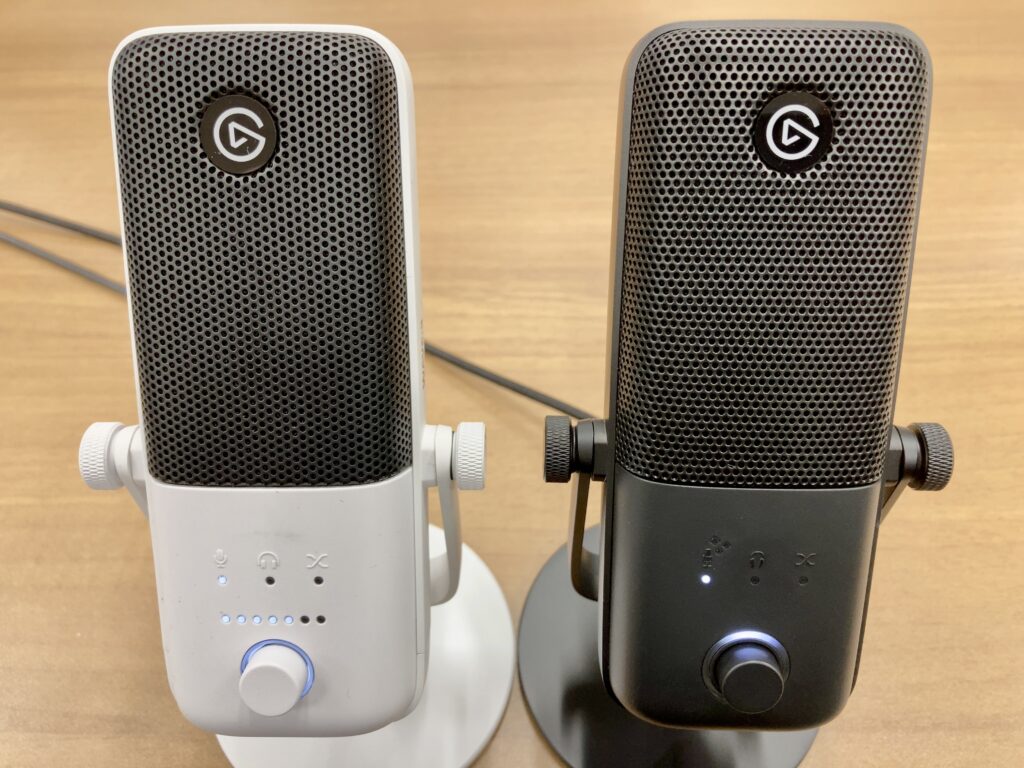
It can be decided based on “whether you’re currently experiencing issues”.
However, if any of the following apply to you, there is a value in switching to the MK.2.
- You want to reduce picking up ambient noises, like air conditioning
- You want to lessen noises from the streaming desk (typing sounds or echo)
- You want better visibility and operability at your fingertips
This opportunity might help you build a better streaming environment.
Conclusion
Recommended For
- Those looking to start streaming for gaming commentary, chatting, or narration
- Those wanting to stream with a simple setup without adding much equipment
- Those wanting configured sound ready to use today, without spending time on settings
Wave:3 MK.2 is a microphone specialized for streaming.
Though it is not suitable for music production or purposes that require building sound from scratch, it should pose little trouble for game commentary, chatting, or narration streams.
As a team that reviews streaming equipment on a regular basis, we’d say, “For new VTubers or game streamers, don’t hesitate to buy it.” I understand the feeling of not wanting to regret a pricey purchase. That’s why I say this—it’s a purchase you won’t regret.
Elgato is a brand that designs equipment with streamers in mind.
Therefore, this microphone comprehensively addresses the concerns of streamers.
ーーーーー
If you’re interested in the equipment verified this time, please check the details on the official site below!
Wave:3 MK.2: https://www.elgato.com/jp/ja/p/wave-3
Equipment cooperation: Corsair Gaming, Inc. (Elgato)
Review: Umazura